Technique
Noise in Astrophotography: Stacking, Dark Frames and Noise Reduction That Actually Works
Night photos are noisy because there's so little light. Noise-reduction sliders only hide the noise. To get rid of it you need more signal, and image stacking in astrophotography is how you get more signal while keeping each frame short enough for sharp stars. This guide covers where the grain comes from, why a dozen ordinary frames stacked together beat any single frame, what dark, bias and flat frames correct, and where AI denoise helps and where it removes your stars.
At a glance
- The rule: stacking N identical frames improves signal-to-noise by √N. Four frames are twice as clean, and sixteen are four times as clean.
- Settings: the same as your single frame (15 s, f/2.8, ISO 3200 is typical), shot 10–20 times back to back without touching anything between frames.
- Calibration: darks for hot pixels and heat noise, bias for the read-noise pattern, flats for vignetting and dust. You need them for deep sky. For a short Milky Way stack they're optional.
- Software: Sequator (Windows) or Starry Landscape Stacker (Mac) for landscapes; Siril, DeepSkyStacker or PixInsight for deep sky.
- Afterwards: edit the stacked file. Denoise last and lightly, with the stars masked out.
Where the noise in a night photo comes from
A night frame has several kinds of noise at once, and each one needs a different fix. So it helps to know which kind you're looking at.
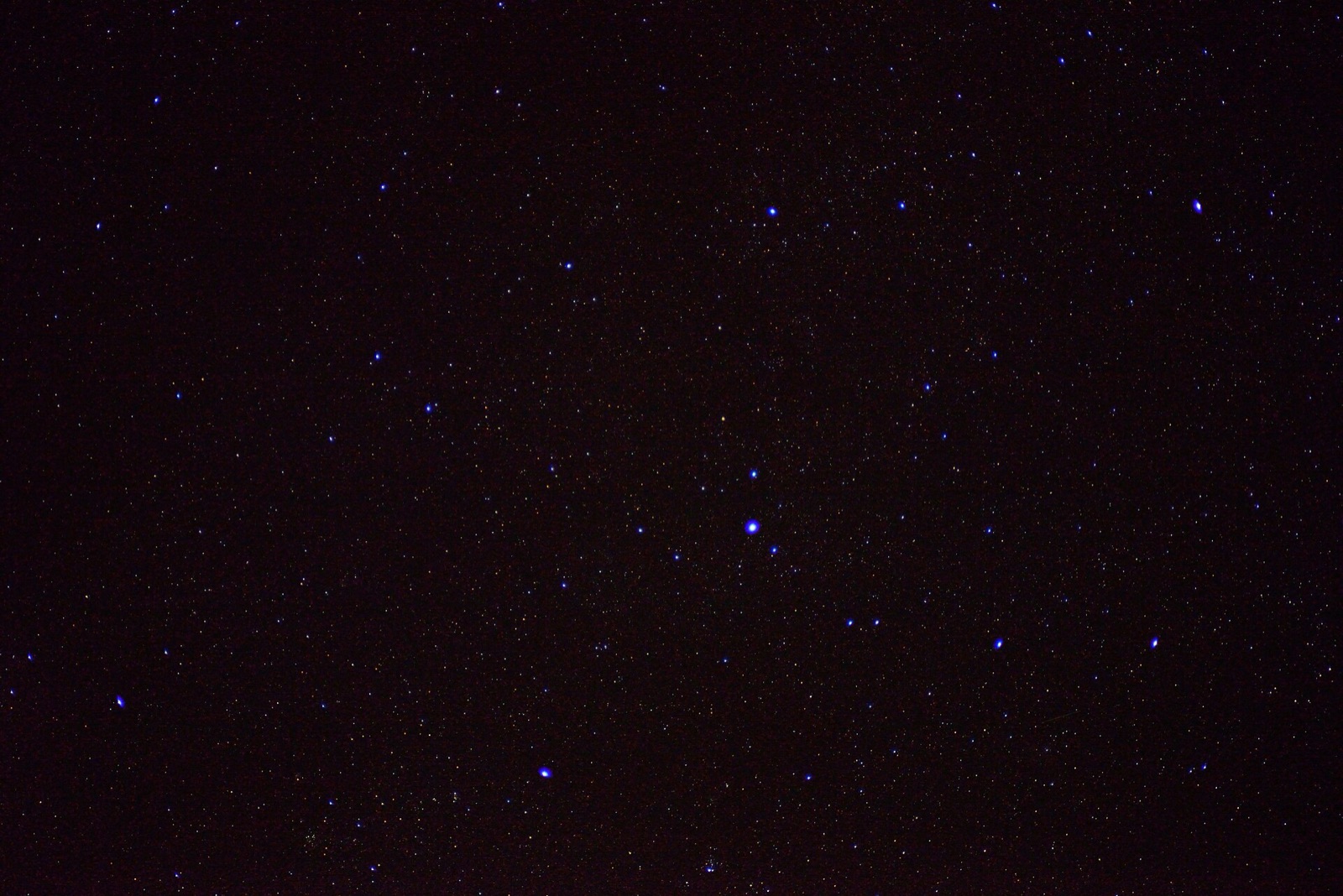

- Photon (shot) noise. Light arrives as individual photons at random intervals, and the count in any pixel follows Poisson statistics, which means the scatter equals the square root of the count. Collect 100 photons and the uncertainty is 10 (SNR 10). Collect 10,000 and it's 100. So SNR grows with the square root of the signal. This noise is part of the light, and no camera can remove it.
- Read noise. A fixed amount of electronic noise that's added every time the sensor is read out, however long the exposure. It's the main noise in short frames and deep shadows.
- Thermal noise (dark current). Heat frees electrons in the silicon even with the lens cap on. The rate roughly doubles for every 11–13 °F rise in sensor temperature, and it builds with exposure time.
- Fixed-pattern noise and hot pixels. Some pixels always read high, and some columns carry an offset. The pattern is in the same place in every frame, so averaging keeps it instead of removing it.
- Banding and amp glow. Banding is stripes from the readout electronics that show up when you push the shadows hard. Amp glow is a warm haze along one edge on older sensors, caused by heat from nearby electronics during long exposures. Dark frames remove the glow.
Noise looks worst in the shadows because that's where the photon count is lowest, and lifting shadows multiplies the noise along with the signal. The blue channel is also the noisiest on almost every camera. A Bayer sensor has half as many blue pixels as green, the blue filters pass less light, and a night-sky white balance then applies the largest gain to blue. So blue has the least signal and gets the most gain, and when you push the sky the blotches show up in blue first.
Why image stacking in astrophotography works
To get a cleaner image you need more light. That means a bigger aperture, a longer total exposure, or a darker sky so the target isn't lost in a bright, noisy background. ISO, denoise and sharpening don't add light. They only work with the photons you already have. Stacking gets you a long total exposure from frames that are short enough to keep the stars sharp. Average N frames of the same scene and the signal stays the same while the random noise falls by √N.
| Frames stacked | SNR gain | Equivalent extra light | Noise like a single frame at (from ISO 3200) |
|---|---|---|---|
| 1 | 1.0× | 0 stops | ISO 3200 |
| 4 | 2.0× | 2 stops | ISO 800 |
| 9 | 3.0× | 3.2 stops | ≈ ISO 360 |
| 16 | 4.0× | 4 stops | ISO 200 |
| 25 | 5.0× | 4.6 stops | ≈ ISO 130 |
| 50 | 7.1× | 5.6 stops | ≈ ISO 64 |
| 100 | 10.0× | 6.6 stops | ≈ ISO 32 |
"Equivalent extra light" is log₂N. A 16-frame stack has the noise of one frame that collected sixteen times the photons, which is four stops more. The ISO column says the same thing another way. There are two limits. The rule only holds for random noise, so fixed-pattern noise doesn't average out unless you dither (below). And every frame adds its own read noise, so a stack of very short frames is never quite as good as one long one.
Stacking software for astrophotography
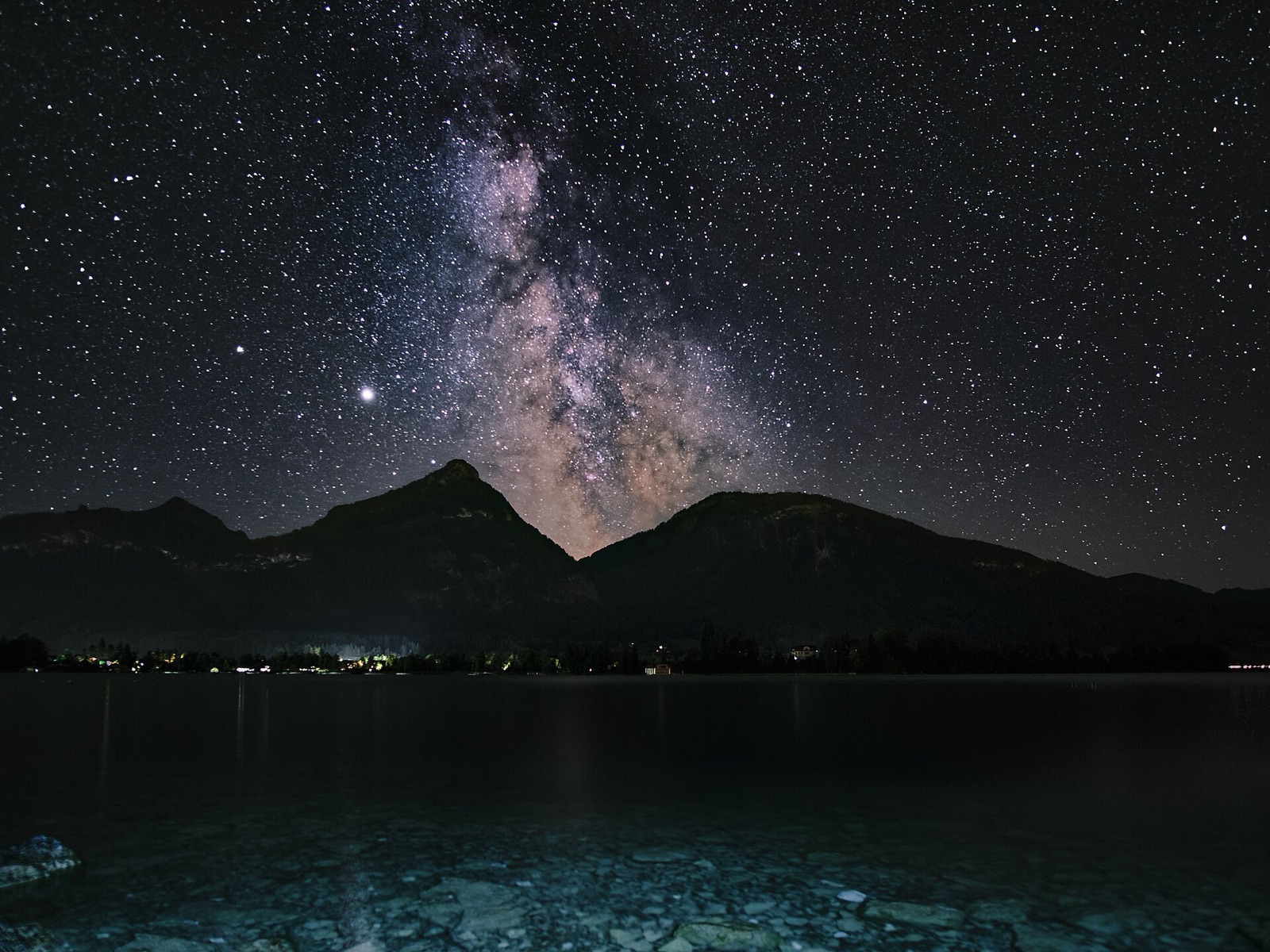
In a nightscape the stars move between frames but the ground doesn't. If you align on the stars the foreground smears, and if you align on the foreground the stars trail. Landscape stackers handle the two parts separately. They align the sky on the stars, average the ground without shifting it, and join the two along the horizon. The deep-sky tools further down the list don't handle a foreground at all.
.jpg)
- Sequator. Windows, free. Star alignment, foreground masking and light-pollution reduction.
- Starry Landscape Stacker. Mac, from the App Store. Sky/ground masking, star alignment, dark and flat support.
- Siril. Windows, Mac and Linux, free and open source. Full calibration and stacking for deep sky, with scripts that automate the pipeline.
- DeepSkyStacker. Windows, free. A deep-sky stacker that has been around for years, with light, dark, flat and bias support.
- PixInsight. Windows, Mac and Linux, commercial. The professional deep-sky tool, and the hardest to learn.
How to stack Milky Way photos, step by step
- Set up as for a single frame. Lock the tripod, focus manually on a bright star, shoot RAW, and turn off long-exposure noise reduction and stabilisation. Decide the exposure first, for example 15 s, f/2.8, ISO 3200. The Milky Way guide covers the single frame in detail.
- Shoot 10–20 identical frames back to back on the interval timer with the shortest gap the camera allows. Don't touch anything. Twenty frames of 15 s is five minutes. The sky turns about 1.25° in that time, and the software corrects for it.
- Shoot calibration frames if you want them. Do it straight afterwards while the sensor is at the same temperature: 10–20 darks with the cap on at the same settings, a run of bias frames, and flats.
- Stack. Load the lights (and calibration frames, if any), mark the sky/ground boundary if asked, and export a 16-bit TIFF.
- Edit the stacked TIFF, not the individual frames. It'll look flat and dim, which is normal. You can now stretch it hard without the noise taking over.
The per-frame length comes from the Camera Tools NPF/500 rule for your focal length and sensor, and the exposure recipes there give a starting aperture and ISO per subject. The recipe is the exposure for one frame, and stacking multiplies it.
Dark frames, bias and flats explained
- Dark frames. Shoot these with the lens cap on, at the same exposure time, ISO and sensor temperature as the lights. They record hot pixels, dark current and amp glow. Shoot 10–20 straight after the lights. The software averages them into a master dark and subtracts it. Darks taken indoors the next day do more harm than good.
- Bias frames. Cap on, the shortest exposure the camera has, same ISO. They record the read-noise offset the electronics add to every frame. Take 20. They take almost no time.
- Flat frames. An evenly lit blank field, exposed to the middle of the histogram at the same focus and aperture as the lights. A white T-shirt stretched over the lens and pointed at the dawn sky works, and so does a tablet showing a white screen. Flats record the vignetting and dust shadows so the software can divide them out.
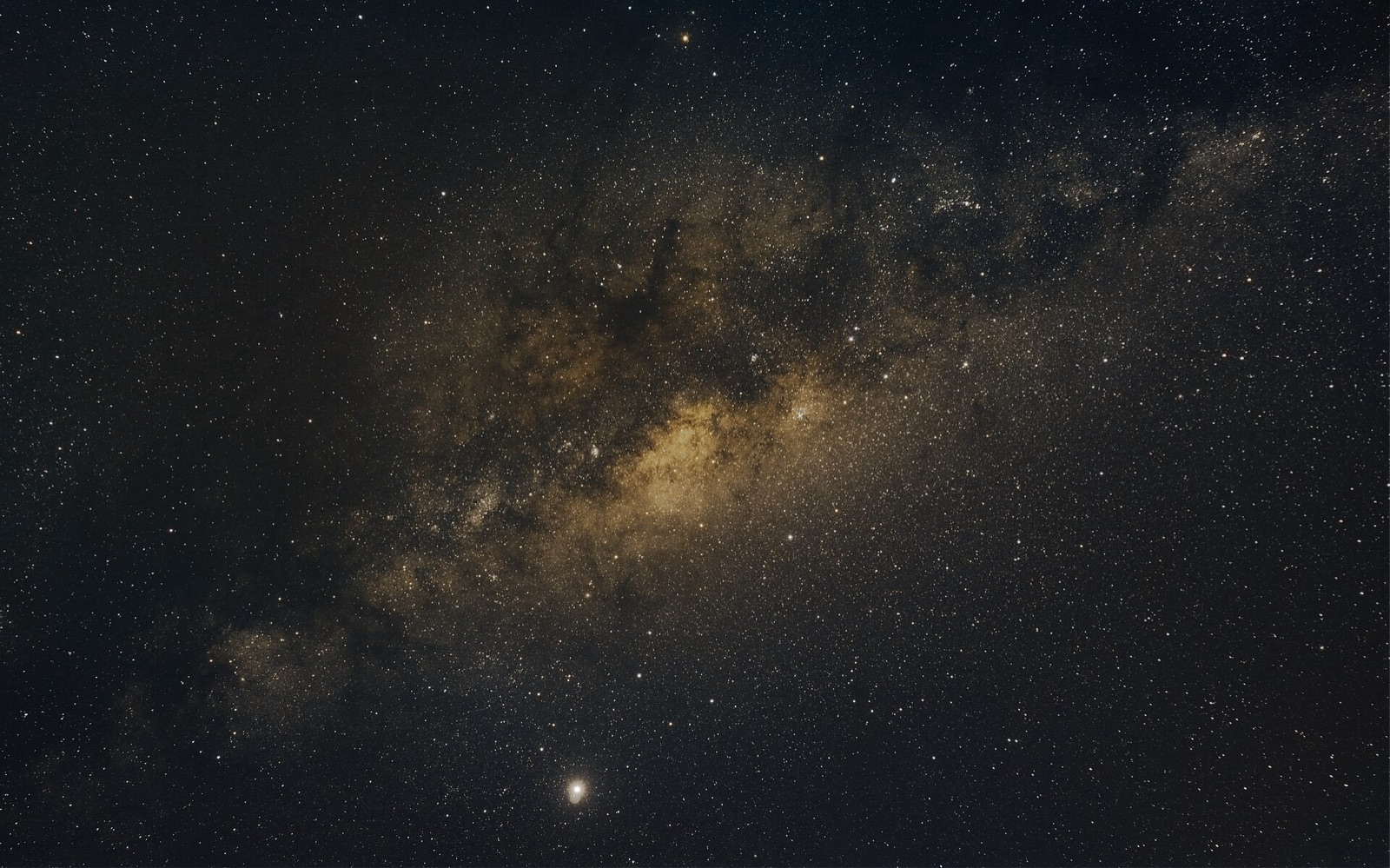

You need calibration frames for deep sky, long sub-exposures, warm nights, and any stretched stack that shows hot-pixel streaks or dark corners from vignetting. You can skip them for a short Milky Way stack of 10–20 dithered frames at 15 s on a cool night. The stacker's rejection removes most hot pixels without them.
Long-exposure noise reduction and dithering
In-camera long-exposure noise reduction is an automatic dark frame. After the exposure the camera takes a second exposure of the same length with the shutter closed and subtracts it. It works, but every frame takes twice as long. Use it for a single long frame you won't stack. Don't use it for a sequence, because you get half as many frames and there are gaps between them. The ISO and exposure guide gives the same advice.
Dithering deals with hot pixels without darks, and it costs nothing. Move the framing by a few pixels between shots (a light touch on the ball head, or a programmed offset on a tracker) so each fixed-pattern defect falls on a different patch of sky in each frame. When the software aligns on the stars, the defects no longer line up and the averaging rejects them. If you don't dither and the framing drifts, the stack shows "walking noise", which is streaks of hot pixels running across the frame.
AI denoise: before or after stacking, and where it fails
Lightroom and Camera Raw's AI Denoise, DxO DeepPRIME and Topaz Photo AI are trained to recognise luminance noise in a RAW file and reconstruct a plausible clean image. They're excellent on the foreground and on smooth sky. They go wrong on stars. The model treats a faint star as a bright noisy pixel, so it softens it, dims it or removes it. In independent tests, trailed stars came out as "wiggly worms" and some tools left blocky patterns in clean sky. A model can also add texture that isn't in the sky.
Denoise before or after stacking? After. If you denoise each frame first, you remove the random variation that averaging relies on, and the model's guesses get built into all twenty frames. Stack first, then denoise the result lightly. Often the stack is clean enough that you don't need to denoise at all, which is what we usually find.
Don't denoise the stars. Apply it on a masked layer covering the foreground and the smooth sky between stars, and leave the stars and the Milky Way core alone. An inverted highlights selection works as a mask. Denoising always costs some detail, and the faint stars are detail you want to keep.
What to expect from the stack
| Single frame | 4-frame stack | 16-frame stack | |
|---|---|---|---|
| Shooting time (15 s frames) | 15 s | 1 min | 4 min |
| SNR | 1× | 2× | 4× |
| Shadows when stretched | Colour speckle, blotchy blue | Usable, fine grain | Clean, smooth gradients |
| Faint stars and dust lanes | Lost in grain | Starting to show | Clearly resolved |
| Hot pixels | Present | Mostly rejected if dithered | Gone |
You notice the jump from one frame to four the most. After that each extra frame helps less, and beyond about 25 frames the gains from image stacking are small. Twenty frames is a good default.
Trackers, the histogram and phones
A star tracker follows the sky as it turns, so each sub-exposure can be 60–180 s instead of 15 s. That's four to twelve times the photons per frame, at a lower ISO with less read noise per photon. The foreground blurs when you track, so nightscape photographers shoot the sky tracked and the ground untracked, then blend the two.
The histogram shows how much signal you have. Expose so the sky's hump sits toward the middle without clipping the stars. That lifts the shadows above the read-noise floor, and it does more for the picture than any denoise. Phones stack automatically. Night mode is a multi-frame stack aligned in software, which is why a phone's sky looks cleaner than you'd expect from its sensor size.
A stack needs an unbroken ten-minute window. The Weather hourly view shows low, mid and high cloud layers and a transparency-style conditions rating, so you can shoot the sequence during a stable part of the night and not in the hour when cirrus is passing through.
Common mistakes
- Touching the tripod between frames. Even a small nudge breaks the foreground alignment. The sky still stacks, but the ground comes out doubled.
- Changing settings mid-sequence. Every frame must match. One frame at a different ISO or exposure throws off the average.
- Clouds drifting through. Cirrus in three frames of twenty brightens the stack and blurs the stars. Delete those frames before you stack.
- Too few frames. Three frames give a 1.7× gain. You need ten or more to see an obvious difference.
- Long-exposure noise reduction on during a sequence. It doubles the time and leaves gaps.
- Over-denoising, which leaves a plastic-looking sky with no faint stars. If the Milky Way looks painted, use less.
FAQ
How many frames should I stack for astrophotography?
Ten to twenty for a nightscape. Four gives a visible 2× improvement, sixteen gives 4×, and beyond twenty-five the gains are small. For deep sky, shoot as many as you can in the night. Hours of total integration are normal.
Do I need dark frames for Milky Way photos?
Not usually. With a short stack of dithered frames on a cool night, the stacker rejects hot pixels without them. Take darks when frames are long, the sensor is warm, or the stretched stack shows hot-pixel streaks or amp glow.
Should I denoise before or after stacking?
After, and lightly, with the stars masked. Denoising the individual frames removes the random noise the averaging relies on and builds the model's errors into every frame. Often the stack alone is clean enough.
Why is the noise in my night sky photos blue?
A Bayer sensor has half as many blue pixels as green, the blue filters pass less light, and the white balance for a night sky boosts blue the most. The blue channel has the least signal and the most gain, so its noise shows first.
Sources and further reading
- Wikipedia — Shot noise (Poisson statistics; standard deviation = √N; SNR ∝ √N).
- Roger N. Clark, Clarkvision — Signal-to-noise of digital cameras (photon noise, read noise, pattern noise; stacking improves SNR by √N).
- Teledyne Vision Solutions — Dark current (dark current halves for every 6–7 °C of cooling; dark-current shot noise).
- Alan Dyer, The Amazing Sky — Testing AI noise reduction software for astrophotography (how Adobe, DxO, Topaz and others handle stars).
- Sky & Telescope, Jerry Lodriguss — Why and how to dither your astro images (dithering against fixed-pattern noise).
- Lonely Speck — Noise-free astrophotography with Starry Landscape Stacker (landscape stacking workflow; Sequator as the Windows equivalent).